Section 8 of 8
Seeds & settings
Track your seed inventory and tune the app to your zone.
Seeds is a simple inventory of what's in your packets — variety, brand, purchase date, expiration. Settings is where you tune the app: zip, units, theme, notifications, and account management.
Both are quick and one-time-ish; you'll touch them less often than the gardening surfaces.
- 1
Seed inventory
Tap Seeds → + Seed to add a packet. Enter variety, optional brand, quantity (e.g. 50 seeds), and purchase / expiration dates.
Linking a seed packet to a plant in your library means you can quickly see "do I already have these seeds?" when planning a new bed.
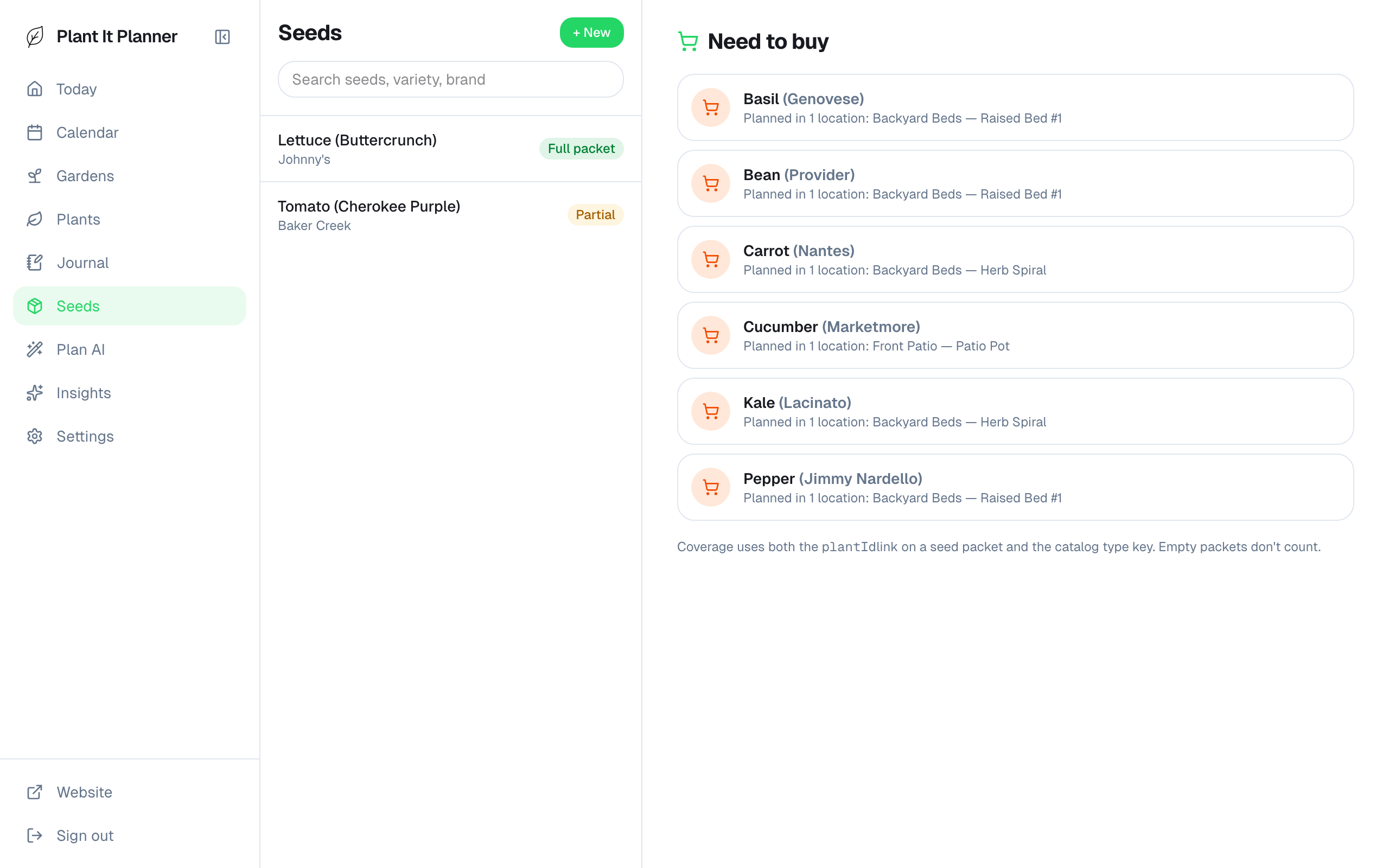
Seeds tab — what's in your packet drawer. - 2
Update zip and frost dates
Settings → Profile is where your zip lives. Change it (you moved!) and the frost dates auto-update. You can also override them manually if your microclimate runs early or late.
Frost dates are the single most important inputs to the schedule, so getting them right is worth the minute of attention.
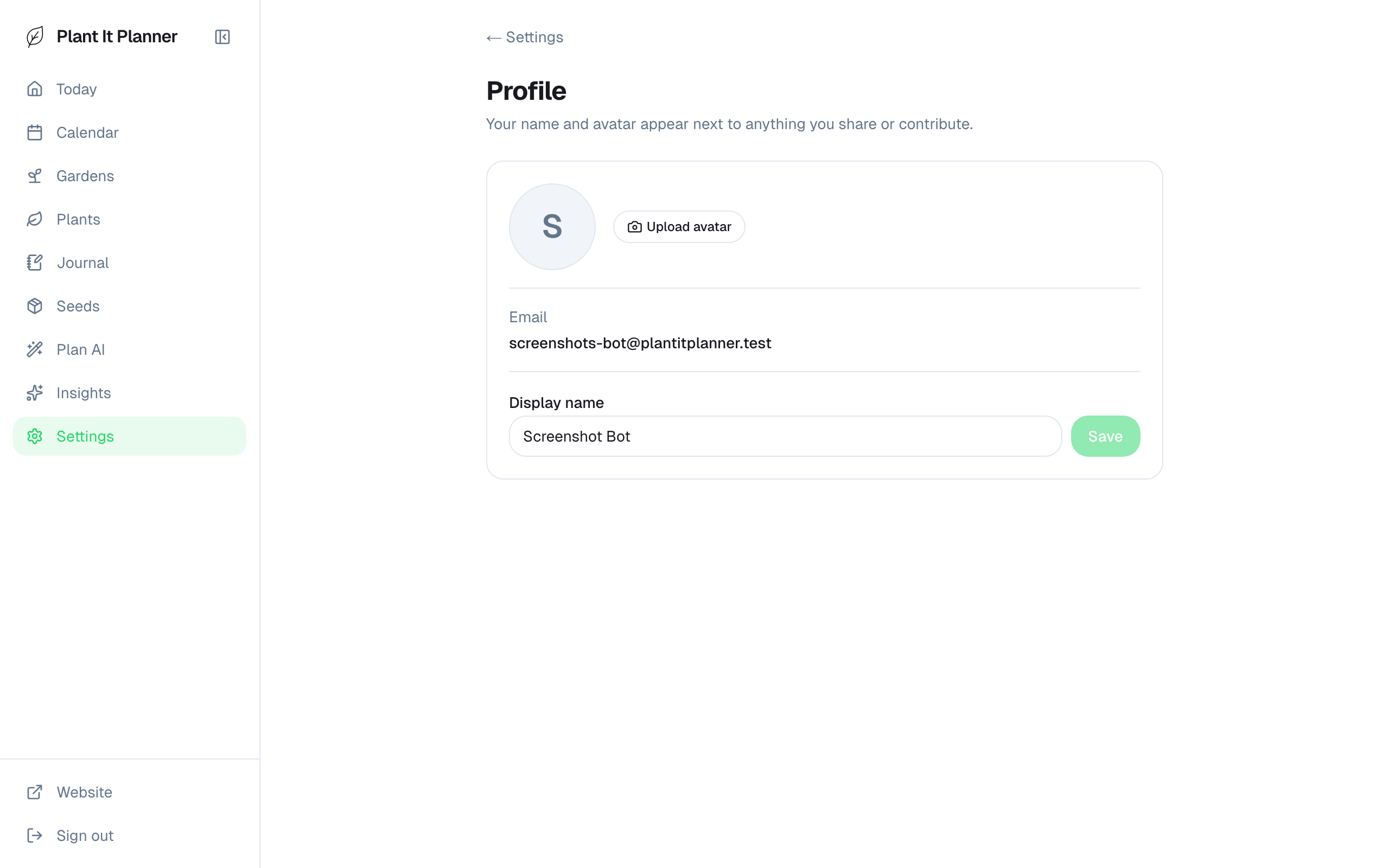
Profile settings — zip + frost-date overrides. - 3
Notifications and frost alerts
Settings → Notifications turns on local reminders for upcoming tasks. Frost alerts specifically watch the forecast for your zip and warn you before a frost event so you can cover beds.
Both are off by default. Enable each independently if you want to opt into one but not the other.
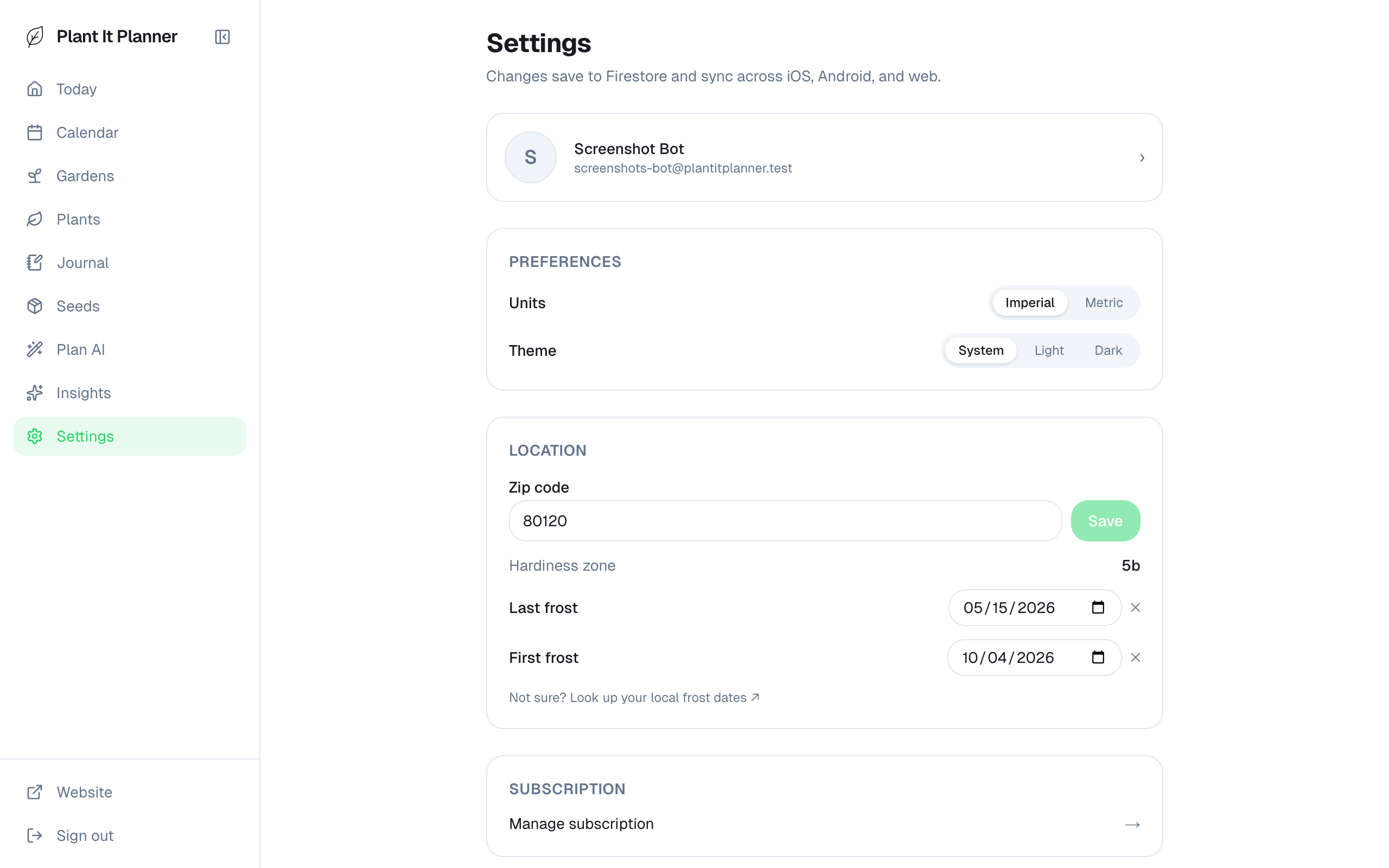
Notifications + frost alerts — opt in here.