Section 7 of 8
Journal & harvests
Log what you saw, what you picked, and what the weather was — all in one tap.
The Journal is where you record what's actually happening in the garden: "first ripe tomato," "aphids on the kale," "finally got the trellis up." Entries can include photos, the current weather, and a tag for which plant you're talking about.
Harvest logs are the structured cousin: how much of what, when, from which bed. Together they build the season's record.
- 1
Add a journal entry
Tap Journal → + Entry. Write a title and a note, optionally pick a plant, and tap Save. The entry timestamps automatically and syncs across all your devices.
Toggle Attach weather to capture a snapshot — temperature, conditions, weather code — so you can look back and see exactly what was happening when you wrote it.
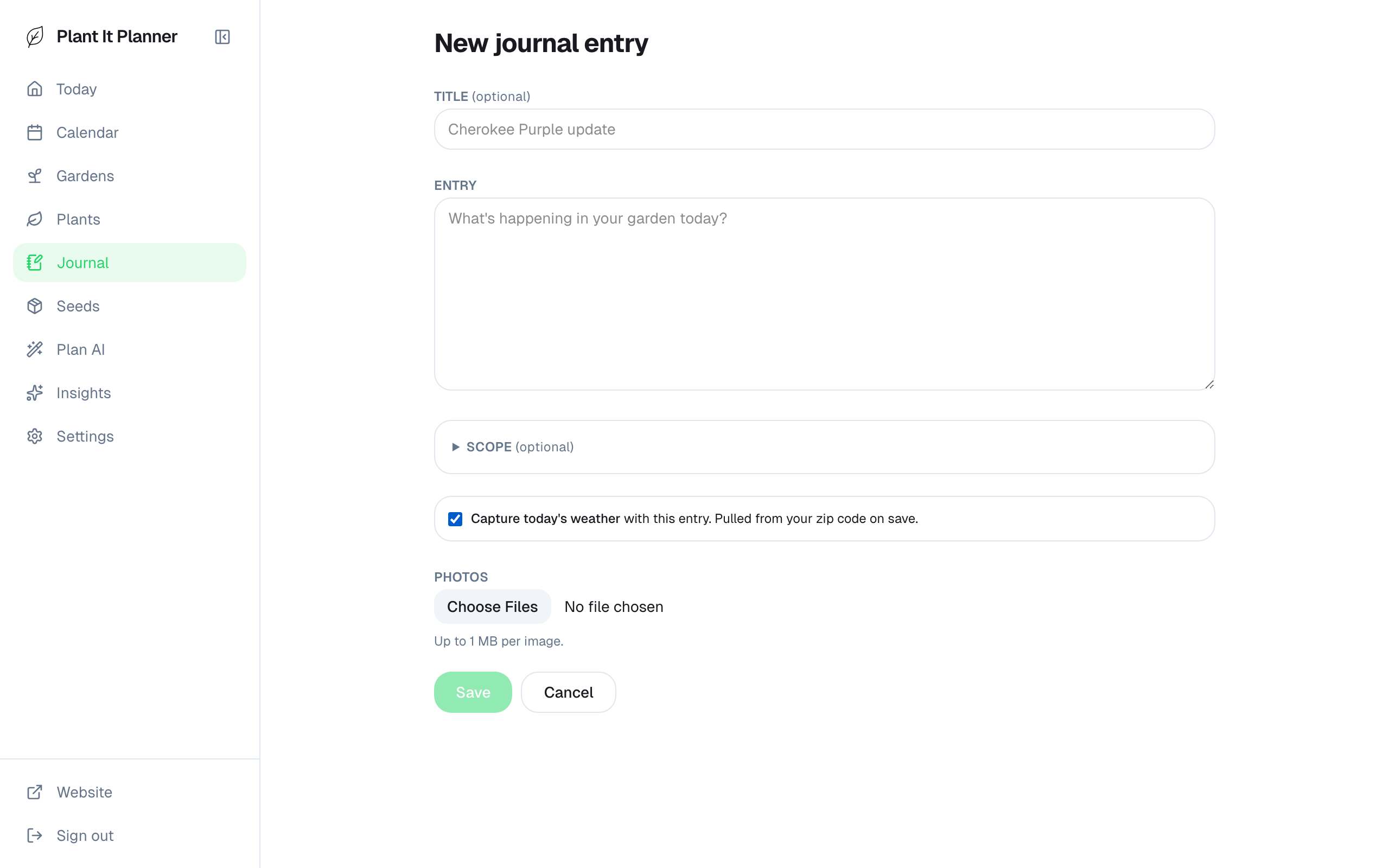
Journal entry — title, note, optional weather snapshot. - 2
Attach photos
Tap the camera icon in the entry form to attach photos. They upload to your account and stay tied to the entry.
Photos are private to your account by default — there's no shared feed.
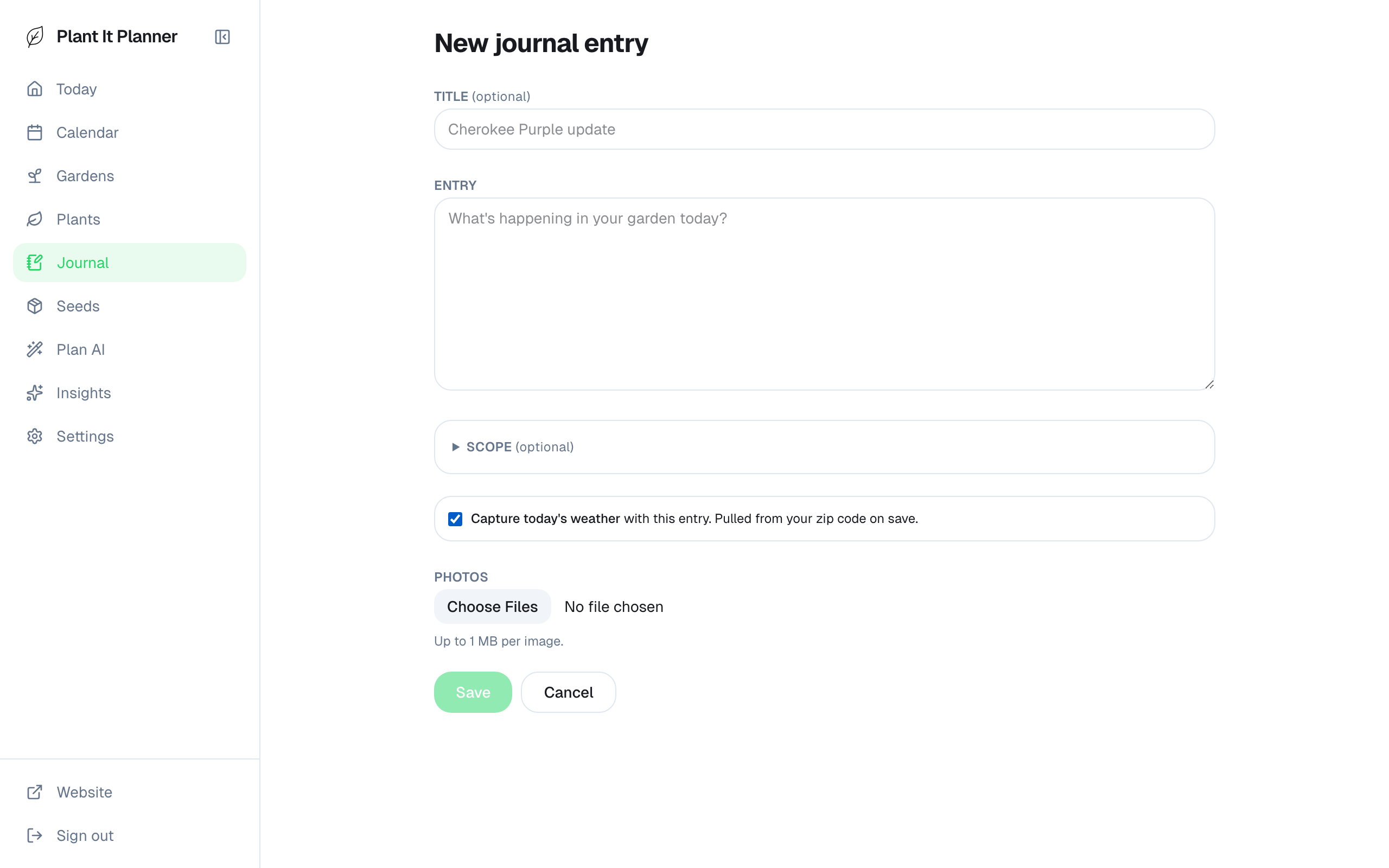
Photos attach inline — full resolution preserved. - 3
Log a harvest
Either from a Today task (Harvest tasks have a quick-log shortcut) or from the journal, log how much you picked of what. Quantity, unit, plant, bed.
Harvest logs roll up into the season summary on Today, so by the end of the year you have a clean record of total yield by crop.
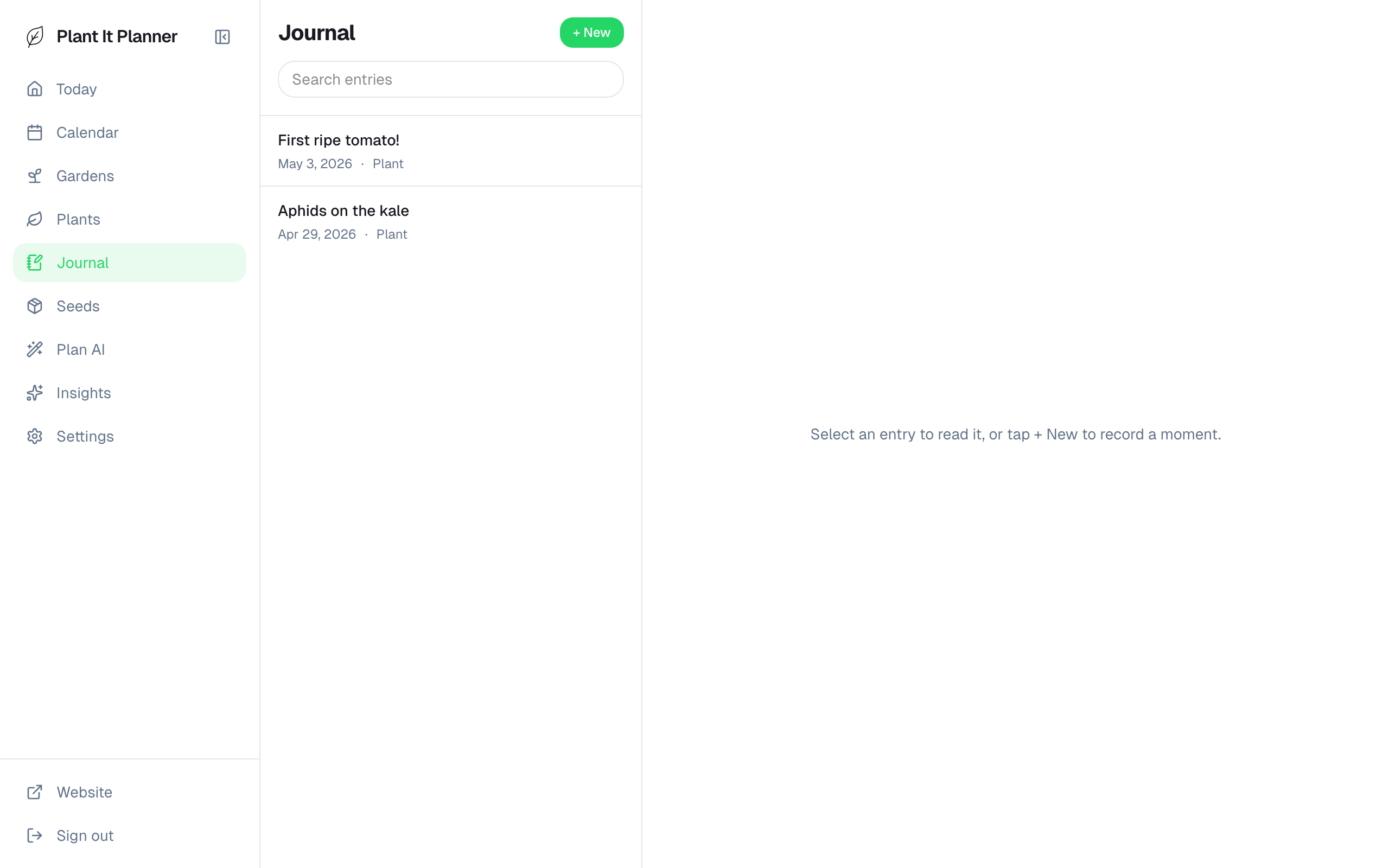
Harvest log — quantity + unit + plant + bed.