Section 6 of 8
Garden Plan
Tell the app your space, household, and goals — get a complete season plan.
Garden Plan generates a full season plan tailored to your garden size, household, and growing goals. It picks crops, suggests beds, and sets quantities — so a blank-slate season doesn't have to feel like a research project.
The output is a proposal, not a commitment: review it, edit anything you don't like, and accept what works.
- 1
Open the wizard
Tap the Plan tab and start a new plan. The wizard walks through six or seven short questions covering your space, household size, experience level, and goals.
Answer roughly — the planner doesn't expect precision, just enough to make sensible choices.
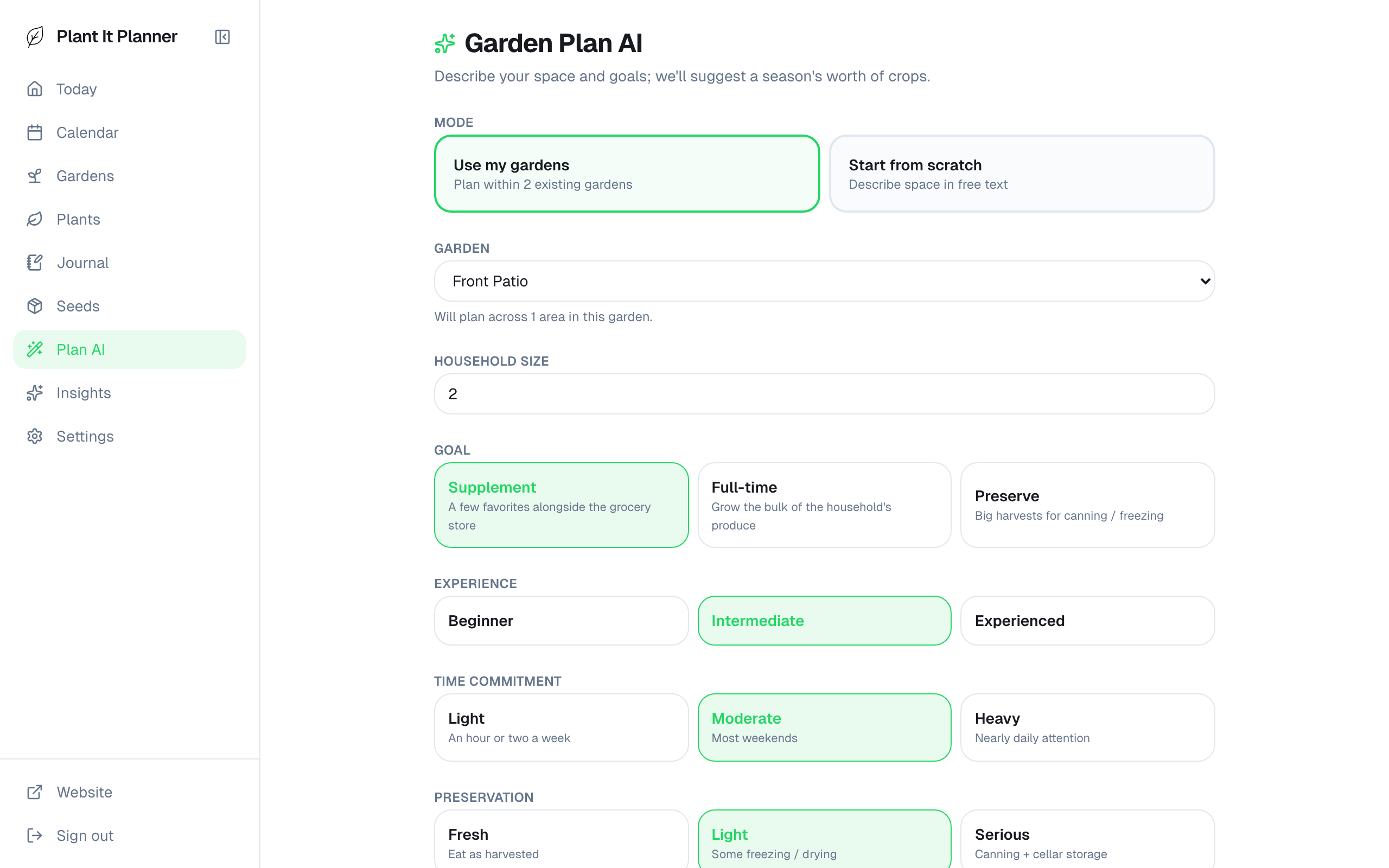
Wizard kickoff — what kind of space are you working with? - 2
Set your goals
The most important answer: what do you want this garden to do for you? Summer salads? Preserve as much as possible? Kid-friendly stuff? Pick one or several — the planner weights crop selection accordingly.
Be honest — "preserve a lot" produces a very different plan than "weeknight dinners," and the planner only does what you tell it.
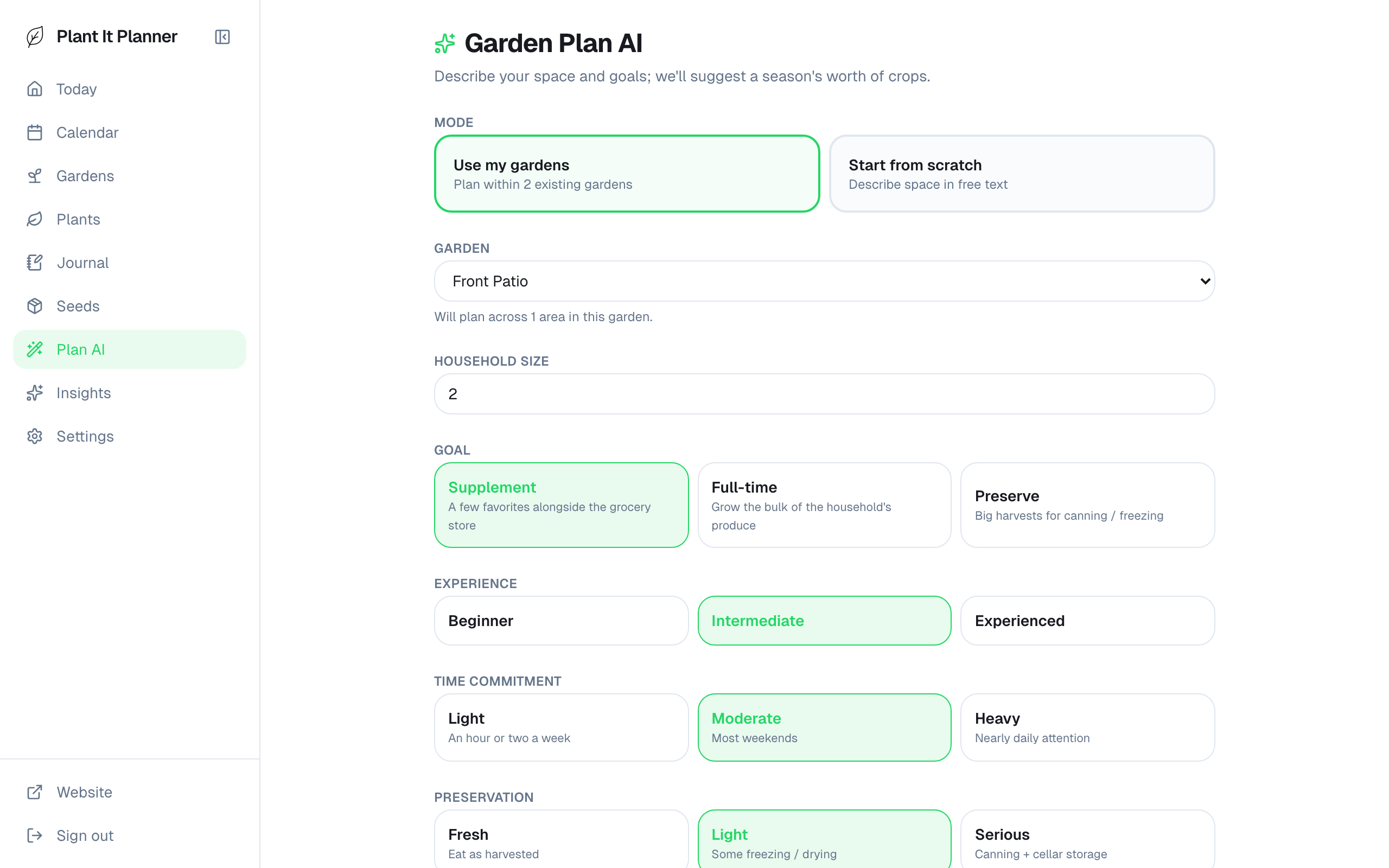
Goals — drives crop selection and quantities. - 3
Review the plan
Once generated, you'll see a summary (category coverage, calorie estimate, preservation outlook) plus the actual list of crops + beds the planner recommends.
Each crop card shows quantity, the bed it's slated for, and a short rationale. Tap a card to dig into why the planner picked it.
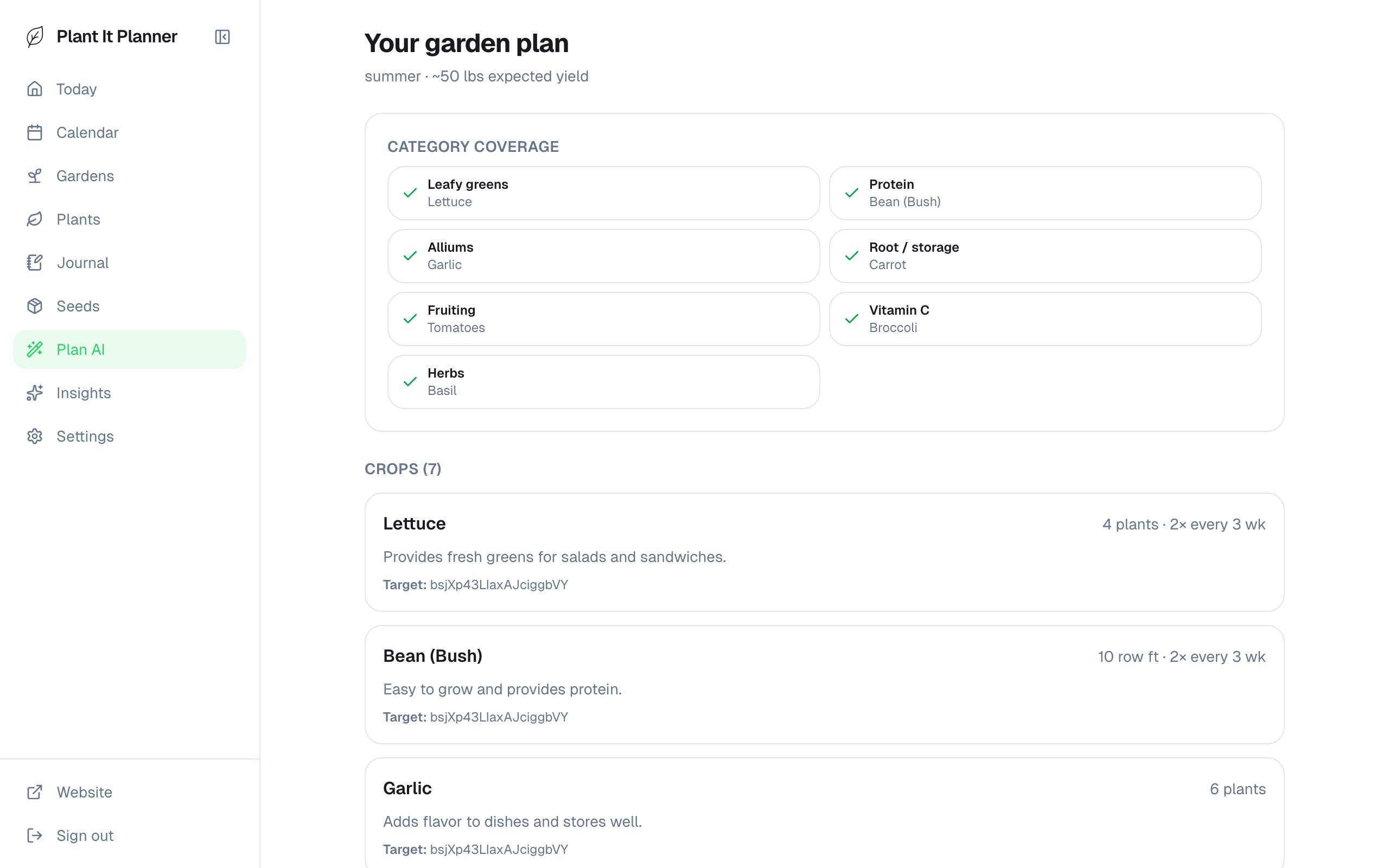
Generated plan — review what the planner came up with. - 4
Accept the plan
When you're happy, tap Accept. The planner creates real placements in your beds and the schedule picks them up immediately — Today and Calendar reflect the new plan within seconds.
Don't like the plan? Tap Revise to nudge it ("add more brassicas," "less squash") or start over with different goals.
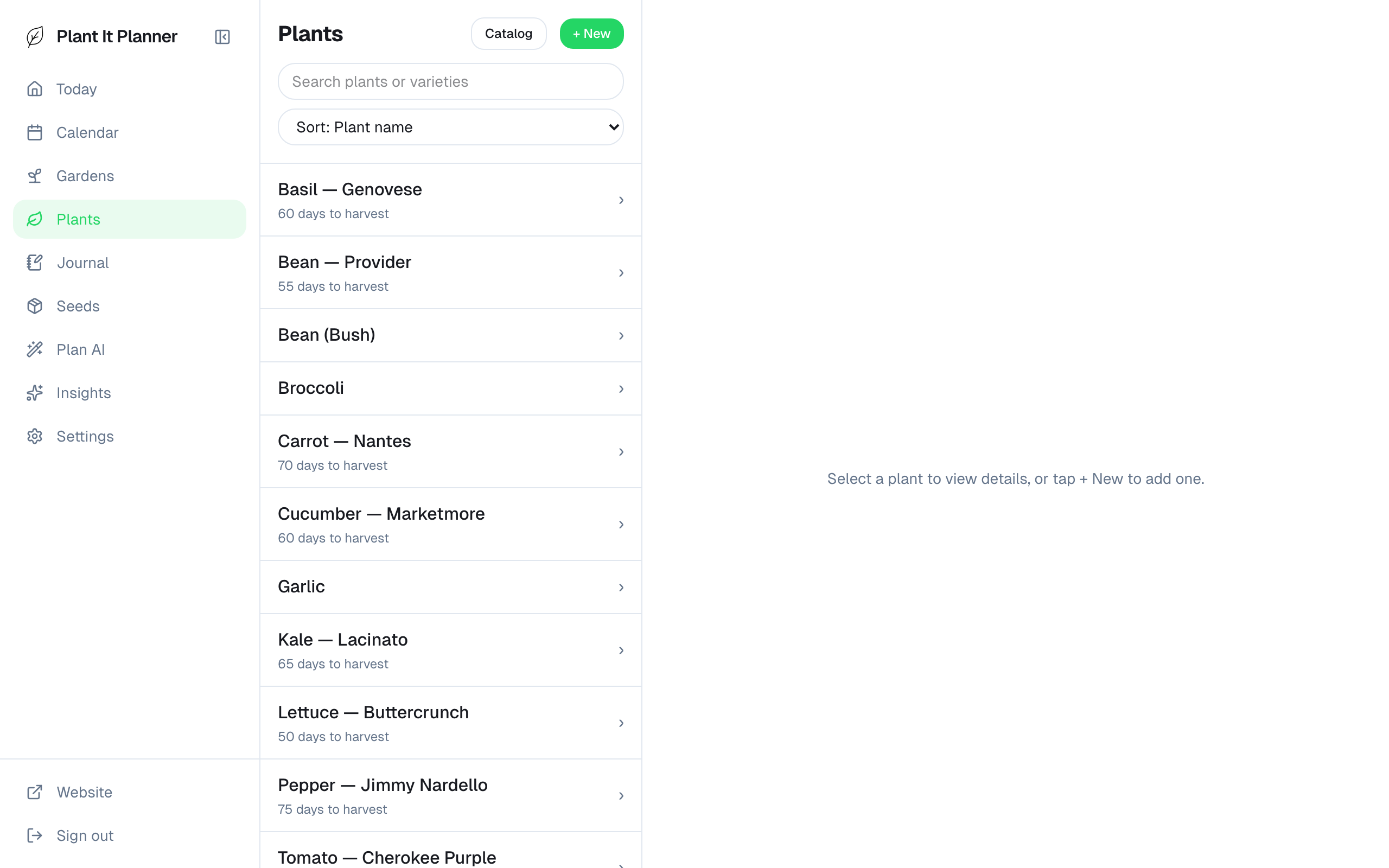
Plan accepted — placements live in your gardens.
Tips
- Garden Plan uses one credit per generation. You get 5 a month on the free tier — plenty to iterate to a plan you like.
- Editing a generated plan is fine: accept it, then tweak placements directly in each bed afterward.