Section 3 of 8
Plants
Your library of varieties — pulled from a built-in catalog or typed in with autofill.
Plants is your personal library of things you grow. Each plant carries its own growing requirements (sun, water, spacing, days to harvest, frost-relative timing), and those requirements drive the schedule for every bed where you place that plant.
Plants are defined once and reused across as many gardens, beds, and seasons as you want.
- 1
The Plants tab
Open Plants to see everything in your library. Search at the top, filter by type, or scroll the list. Tap any plant to see its full detail.
Empty list? Either add from the catalog (next step) or hit the + to type one in yourself.
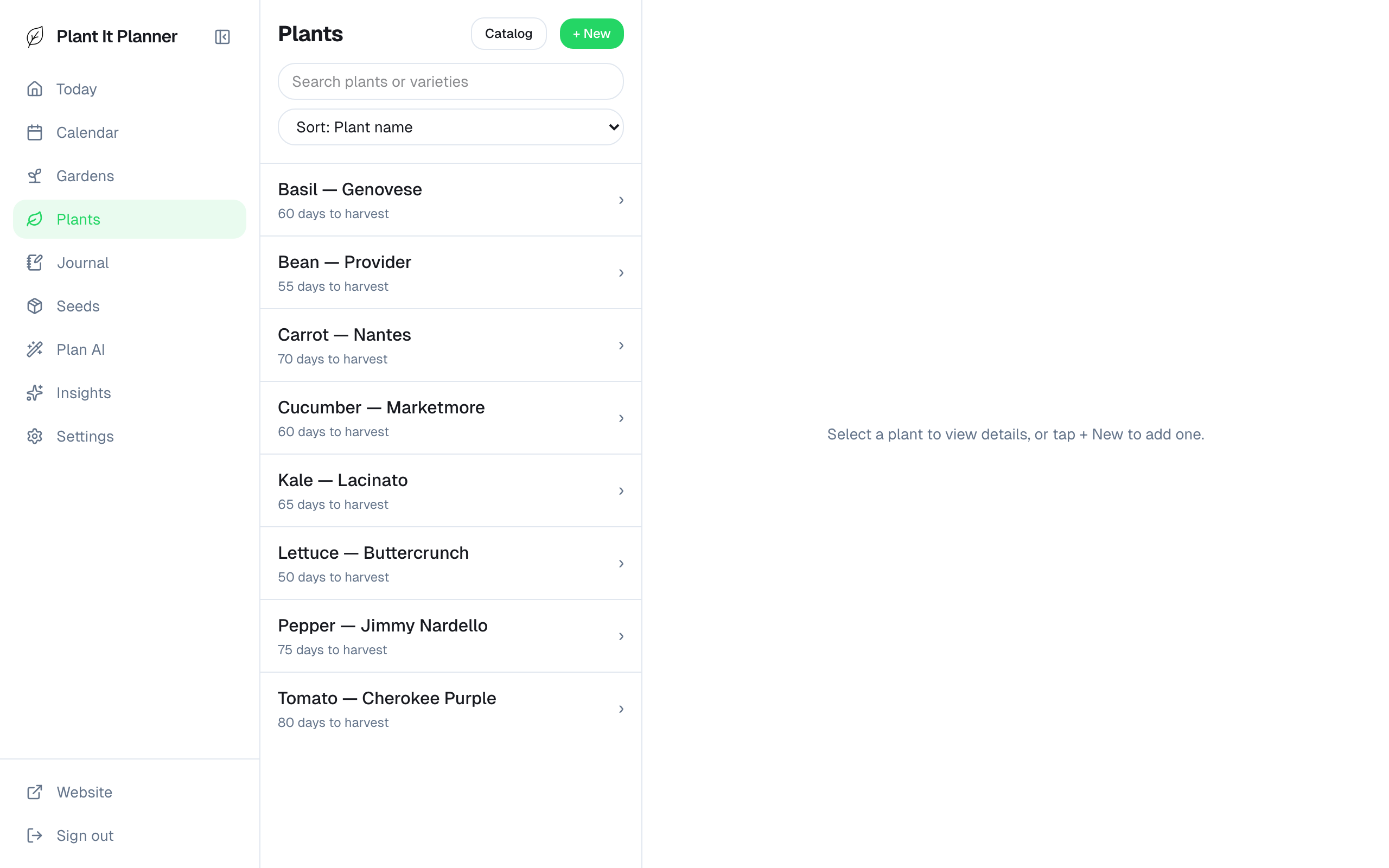
Plants tab — your personal library. - 2
Add from the catalog
Tap + → Browse catalog to search the built-in library of hundreds of varieties (tomatoes, peppers, brassicas, herbs, etc.). Pick a variety and the timing fields fill in automatically based on a curated dataset.
Catalog plants stay linked to the master library, so when we update timing data, your library updates too.
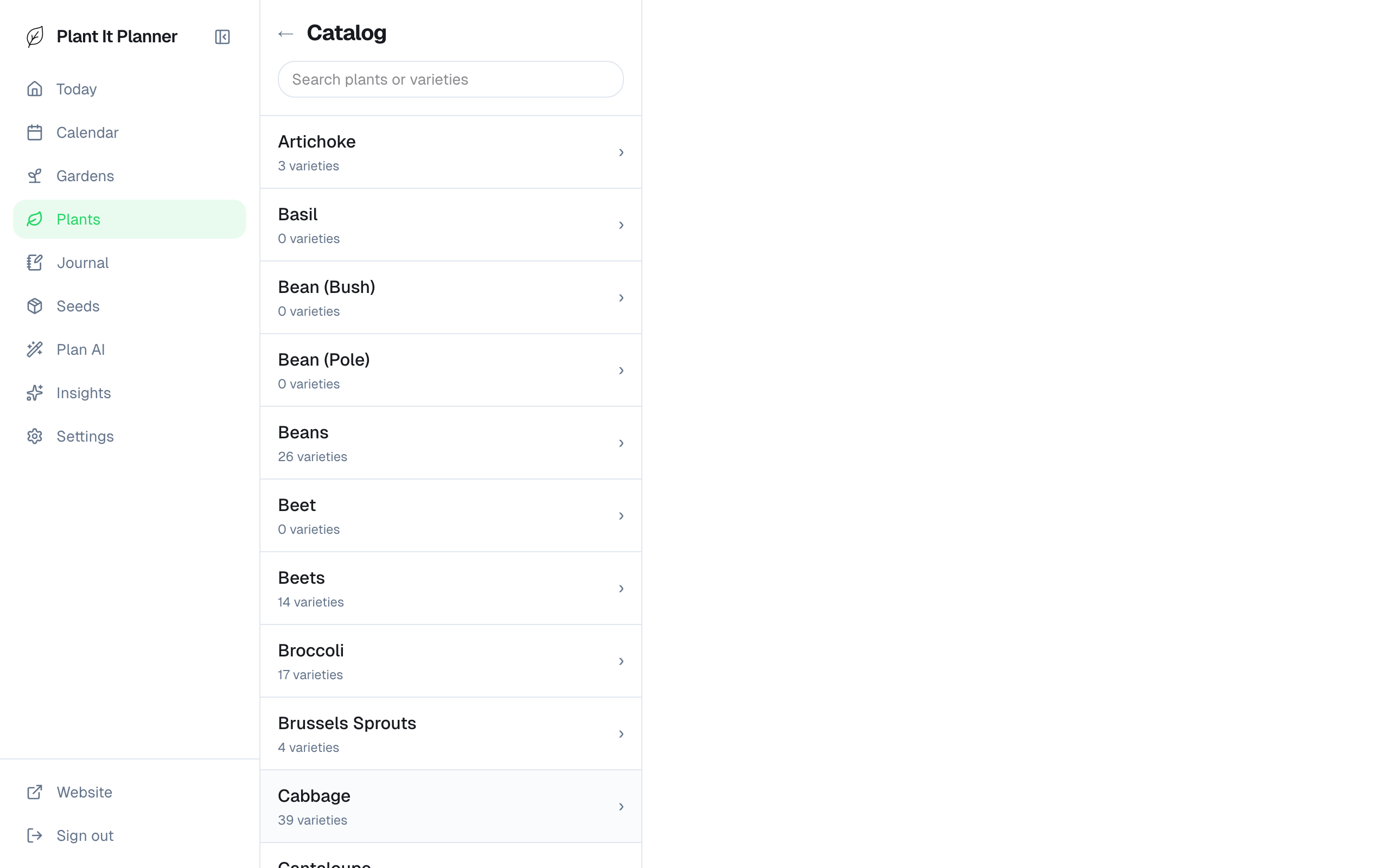
Catalog browse — hundreds of varieties to pick from. - 3
Add a custom plant with autofill
Growing something exotic the catalog doesn't have? Type the name and tap autofill — the app generates sensible growing requirements you can review and tweak.
Autofill is a starting point, not a rule. Override anything that doesn't match what you've actually seen in your garden.
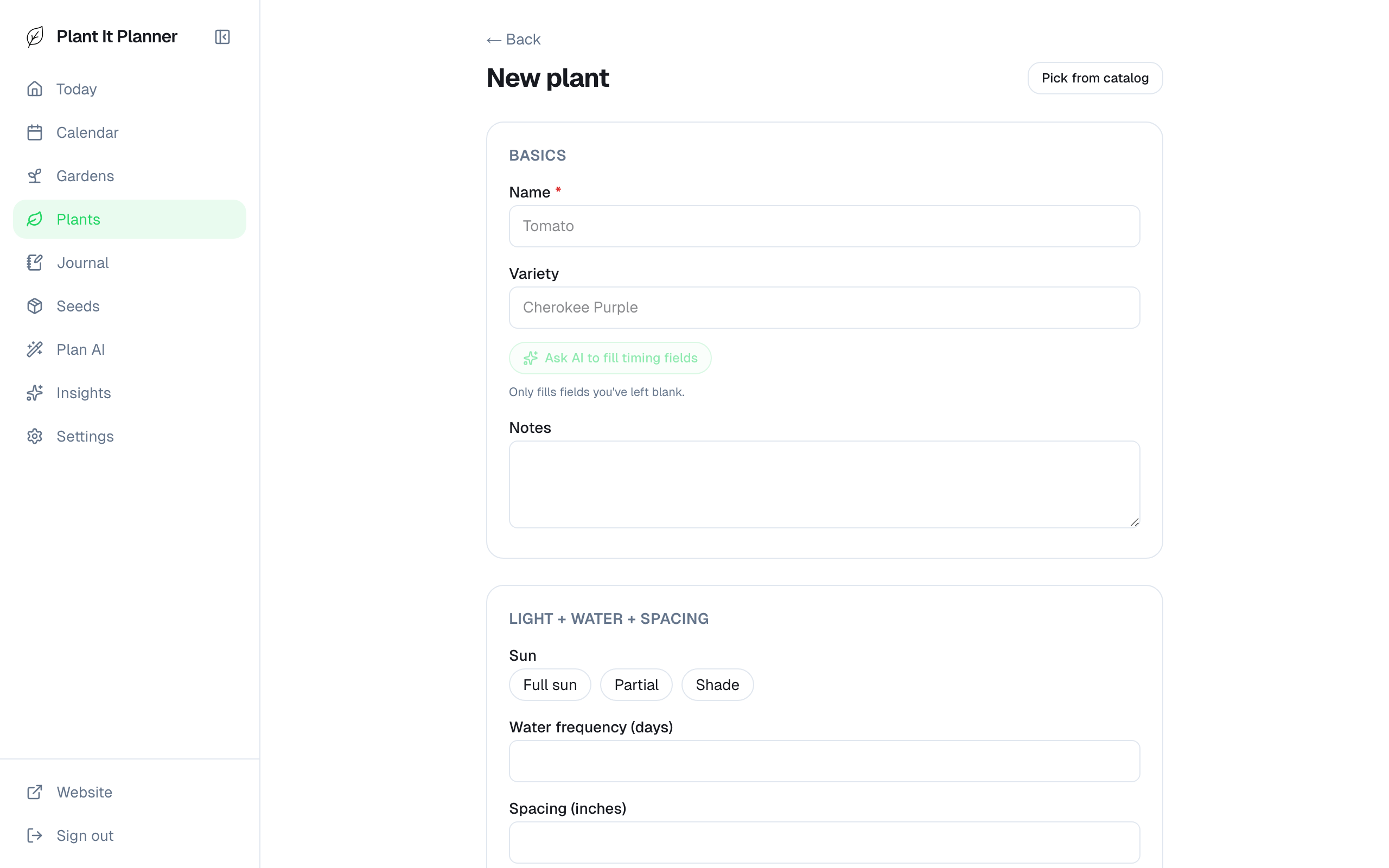
Autofill turns a name into full growing requirements. - 4
Plant detail
The detail page shows everything: water frequency, sun, spacing, days to harvest, frost-relative timing offsets, season, planting instructions, and your free-form notes.
Edit any field inline. Changes apply to every existing placement of this plant the next time the schedule recomputes.
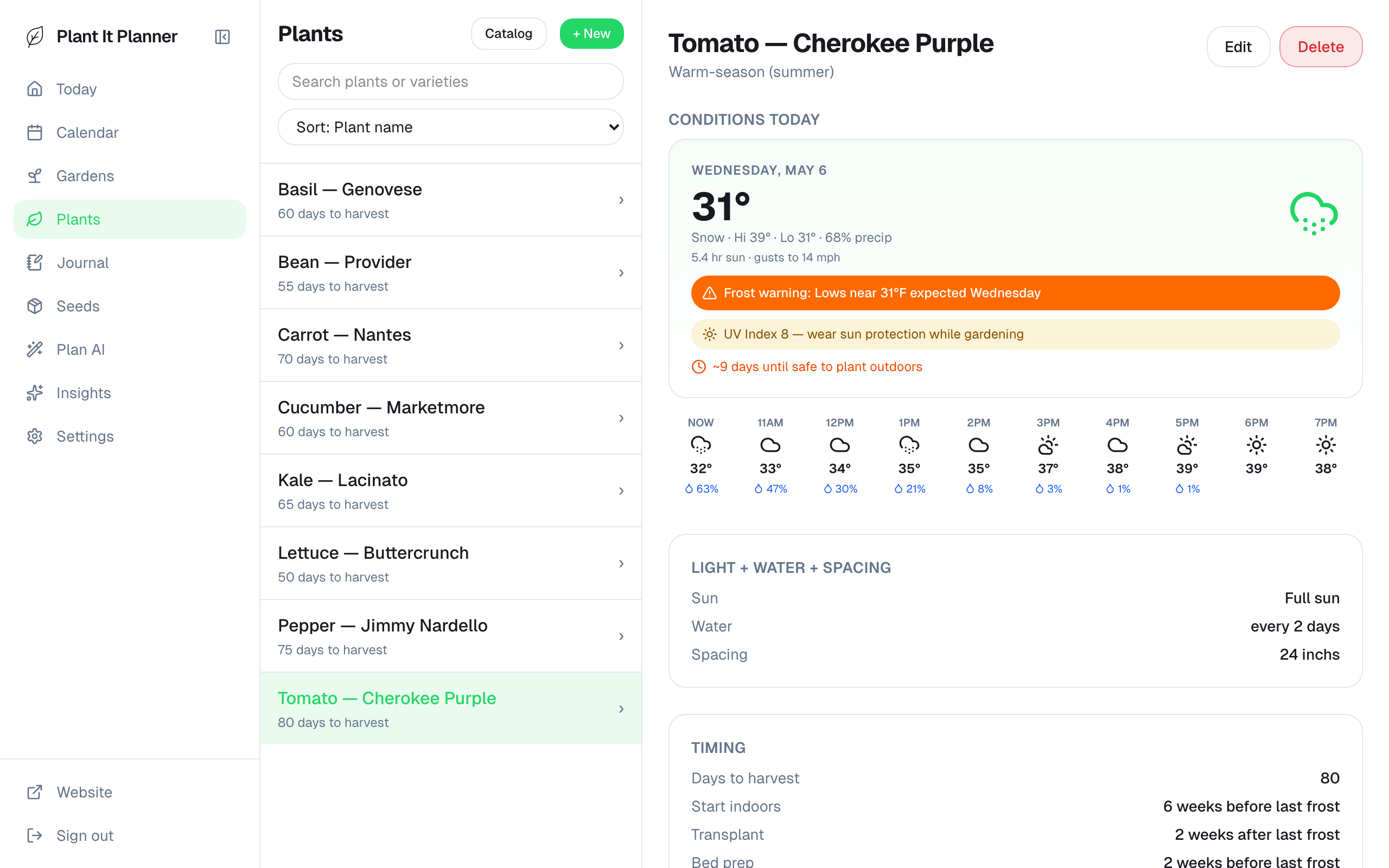
Plant detail — single source of truth for this variety.